Introduction
Radiology reporting is an important part of medical imaging, but creating detailed reports can take a significant amount of time. Radiologists need to describe findings accurately while using complex medical terms, measurements, anatomical locations, and details such as left or right. Radiology dictation software helps make this process easier by allowing radiologists to speak their findings instead of typing every word manually.
The software converts spoken language into written text and can place that text into a structured report. Modern solutions may also provide templates, voice commands, shortcuts, medical vocabulary, and AI-assisted reporting features. This can help reduce repetitive work and make reporting more efficient.
However, choosing the right software is not only about speech recognition. Integration with PACS, RIS, and EHR systems, security, accuracy, customization, pricing, and ease of use can all affect the overall experience. This guide explains how radiology dictation software works, its main features and benefits, common limitations, costs, security considerations, and what to look for before selecting a solution.
What Is Radiology Dictation Software?
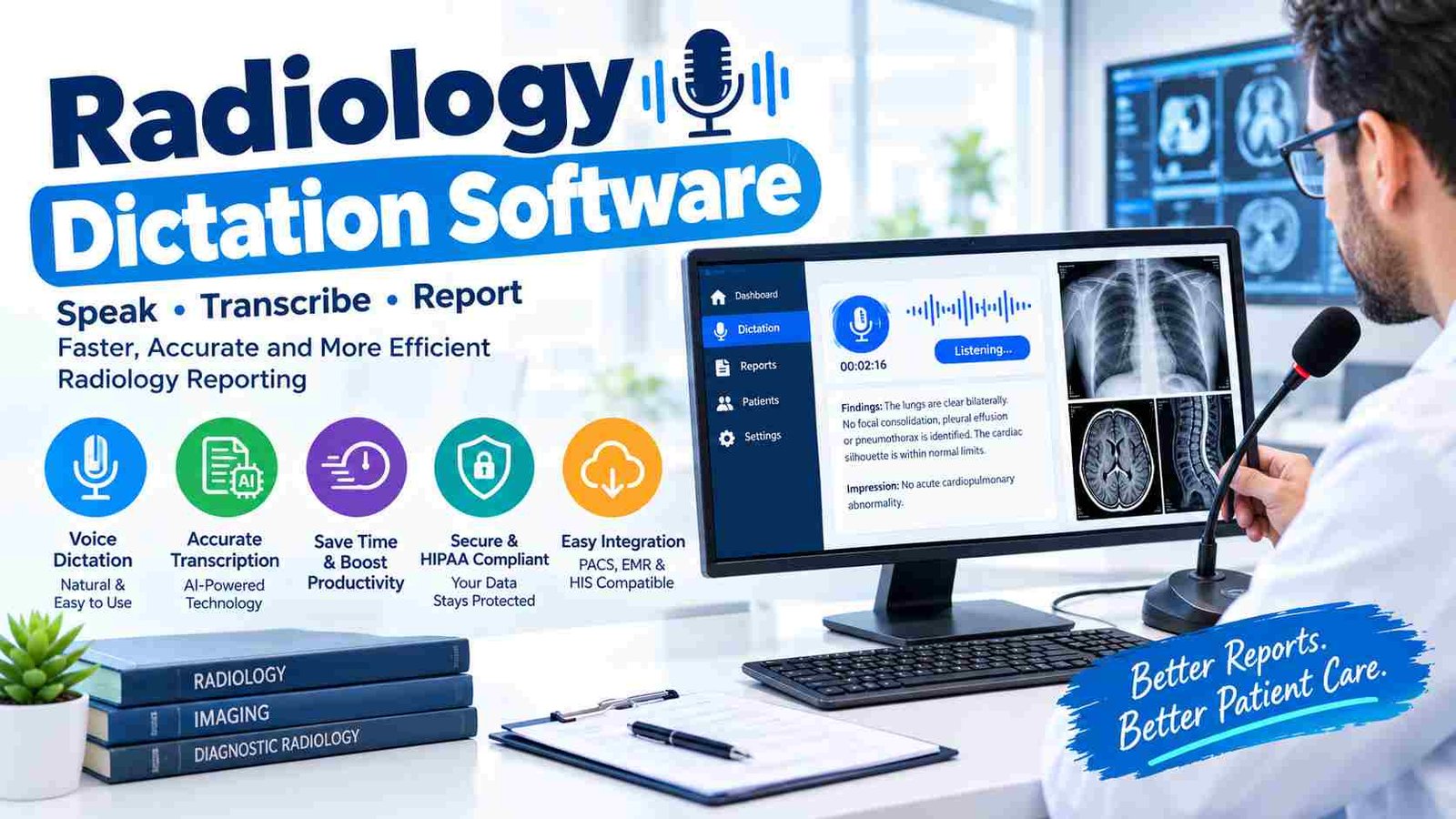
Radiology dictation software is a tool that converts a radiologist’s spoken words into written medical reports. Instead of typing findings manually, the radiologist speaks into a microphone while the software recognizes the speech and creates text. The report can then be reviewed, edited, formatted, and finalized.
A major difference between ordinary speech-to-text software and radiology-focused software is the vocabulary. Radiology reports contain specialized terms related to anatomy, imaging techniques, diseases, measurements, and clinical findings. A useful system needs to handle this type of language accurately.
How Does It Work?
The basic process is simple. A radiologist selects a patient or examination, reviews the images, and begins dictating. The software processes the voice and converts it into text. Depending on the system, the text may automatically appear inside a report template with sections such as technique, findings, comparison, and impression.
After dictation, the radiologist reviews the report and corrects any mistakes. Voice commands, shortcuts, and templates can make editing faster. Once the report is checked, it can be signed and sent through the organization’s reporting workflow.
Dictation vs. Traditional Transcription
Traditional transcription usually involves a person listening to recorded speech and preparing the written report. Dictation software performs much of this conversion automatically. This can reduce turnaround time and give radiologists more direct control over their reports.
Key Features of Radiology Dictation Software
The most useful radiology dictation software combines accurate speech recognition with tools designed around the daily needs of radiologists. Accuracy is particularly important because a small transcription mistake can change the meaning of a finding.
Medical Speech Recognition
Medical speech recognition is one of the most important features. The software should understand radiology terminology, abbreviations, numbers, measurements, and common clinical phrases. Some systems can also adapt to an individual’s speaking style and frequently used vocabulary.
Voice Commands and Macros
Voice commands allow users to perform actions without constantly reaching for a keyboard or mouse. A radiologist may use commands for punctuation, formatting, navigation, or frequently repeated phrases. Macros can insert standard wording with a short command, which is useful for common examinations.
Structured Reporting Templates
Templates help organize reports into consistent sections. Different templates can be created for CT, MRI, X-ray, ultrasound, and other examinations. A well-designed template can reduce repetitive work while helping radiologists follow the reporting format used by their organization.
AI-Assisted Reporting
Some modern systems go beyond basic speech-to-text. They may assist with report drafting, formatting, suggestions, or quality checks. However, these features should be treated as assistance rather than a replacement for professional review. The radiologist remains responsible for checking the final report before signing it.
How Radiology Dictation Software Integrates With PACS, RIS and EHR?
Integration can make a major difference in how useful dictation software becomes. Radiologists commonly work across several systems, so switching between applications or copying information manually can slow down reporting.
PACS Integration
PACS is used to store and view medical images. When dictation software works smoothly with the imaging workflow, a radiologist can review images and dictate the corresponding report without unnecessary application switching. This can reduce repetitive copy-and-paste tasks.
RIS Integration
A Radiology Information System helps manage examinations, worklists, patient information, and reporting status. Integration with RIS can allow the radiologist to select the appropriate examination and create the report within an established workflow.
EHR Integration
The Electronic Health Record contains the patient’s broader medical information. Once a report is completed, integration can help transfer the finalized report into the patient’s record without requiring duplicate manual entry.A smooth workflow can look like this:
| Stage | Typical Action |
| 1 | Select examination from the worklist |
| 2 | Review medical images |
| 3 | Start dictation |
| 4 | Convert speech into text |
| 5 | Review and edit report |
| 6 | Sign and finalize |
| 7 | Send report through the connected system |
Benefits of Using Radiology Dictation Software
One of the main reasons organizations use dictation software is to make reporting more efficient. Typing a detailed report can take longer than speaking naturally, especially when a radiologist handles a large number of examinations.
Dictation can reduce the amount of manual typing required and allow the radiologist to focus more directly on describing the examination. Templates and shortcuts can further reduce repetitive documentation. When commonly used phrases are available through macros or voice commands, radiologists do not have to recreate the same wording repeatedly.
Another potential benefit is report consistency. Structured templates can help organize information into familiar sections and make reports easier to read. Faster report creation may also contribute to shorter turnaround times, allowing finalized reports to reach referring clinicians sooner.
The workflow experience can improve as well. Instead of moving constantly between the keyboard, mouse, and different applications, radiologists may be able to complete more of the reporting process through voice commands and integrated tools.
However, the actual benefit depends on software quality, workflow design, training, and how well the system integrates with existing technology. A tool that is accurate but difficult to use may provide less value than expected.
Why Accuracy Matters in Radiology Dictation?
Accuracy is especially important in radiology because reports contain information that can influence clinical decisions. The software needs to recognize complex terminology, anatomical names, measurements, and numbers correctly.
Laterality is another important issue. Words such as “left” and “right” can have very different meanings in a medical report. A transcription error involving anatomical location could create confusion, which is why careful review is essential.
Measurements also require attention. Radiologists may dictate lesion sizes, distances, percentages, dates, or other numerical information. Even a small transcription mistake can change the meaning of a measurement.
Speech recognition can also be affected by background noise, pronunciation, accents, microphone quality, and speaking patterns. For these reasons, radiology dictation software should support the radiologist rather than remove the need for review.
Before signing a report, the radiologist should check important details such as patient information, laterality, measurements, findings, and the final impression. This review step is an essential part of maintaining report quality.
AI-Powered Radiology Dictation Software
AI is changing the way medical documentation tools work. Traditional dictation mainly focuses on converting spoken words into written text. Newer systems can add assistance with formatting, report structure, drafting and quality checks.
Traditional Speech Recognition vs. AI
Traditional speech recognition listens to the user’s voice and converts it into text. AI-assisted systems may go further by understanding the context of the report and helping organize the information.For example, a system may help place information into the correct report section or suggest a structure based on the dictated content. Some solutions may also identify possible inconsistencies or missing information.
AI-Generated Reports
AI can potentially help create a first draft from dictated or other available information. This can reduce some repetitive documentation work. However, an AI-generated report should not automatically be considered final. Professional review remains important because the radiologist needs to confirm that the report accurately represents the examination.The most useful role of AI is therefore often assistance. It can help with repetitive documentation while the radiologist maintains control over the clinical content and final report.
Types of Radiology Dictation Software
Radiology dictation software can be offered in several forms. Cloud-based solutions process or store information through online infrastructure and can make centralized updates easier. They may work well for organizations that want access across multiple locations.
On-premises solutions operate using infrastructure managed by the organization. This approach can provide more direct control over deployment but may require additional IT resources for maintenance and updates.Some systems also support local or offline processing. This can be useful in environments where internet access is limited, although capabilities vary between products.
There are also enterprise reporting platforms designed for hospitals and large radiology groups. These solutions may provide extensive integrations, centralized administration, and support for multiple locations.
Finally, standalone medical speech-to-text tools can be used when an organization mainly needs voice recognition rather than a complete radiology reporting platform. Understanding these differences is important because not every product solves the same problem.
How to Choose the Right Radiology Dictation Software?
Choosing software should begin with the actual reporting workflow rather than a list of marketing features. First, consider speech recognition accuracy with real radiology terminology. A system should be tested with common examinations, measurements, abbreviations, and different speaking styles.
Next, examine integration. If the practice already uses PACS, RIS, or an EHR, the new system should work with those technologies as smoothly as possible. Otherwise, the software may create additional steps instead of removing them.Customization is another important consideration. Templates, macros, personal vocabulary, voice commands, and specialty-specific settings can make daily reporting much easier.
Security should also be considered when patient information is involved. Organizations should understand how data is transmitted, stored, accessed, and retained. If a cloud service is being considered, it is important to understand the provider’s security practices and applicable healthcare privacy requirements.
Finally, consider pricing, training, technical support, scalability, and ease of use. A small practice may have different requirements from a large hospital or multi-location radiology group.
How Much Does Radiology Dictation Software Cost?
The cost of radiology dictation software varies depending on the type of product, number of users, features, integrations, and pricing model. Some solutions use monthly or annual subscriptions, while enterprise systems may use customized contracts.
The software license is only one part of the total cost. Organizations may also need to budget for integration, implementation, training, microphones, technical support, custom templates, and ongoing maintenance.
For on-premises systems, hardware and IT resources may add to the overall expense. Cloud solutions can have different cost structures and may reduce some infrastructure requirements.
When comparing products, it is useful to look at total cost rather than only the advertised subscription price. A slightly more expensive solution could have different implementation or support requirements, while a cheaper product may require additional tools or manual work.A practical evaluation should consider both expenses and potential efficiency gains, such as reduced typing, less transcription work, faster report creation, and lower administrative effort.
Common Challenges and Limitations
Radiology dictation software can improve documentation, but it is not perfect. Speech recognition may misunderstand medical terms, numbers, or anatomical descriptions. Background noise and poor microphone quality can also affect results.Accents and individual speech patterns may create additional recognition challenges. Some systems improve as they become familiar with a user’s vocabulary, but results can still vary.
Integration can be another challenge. Older PACS or RIS systems may require additional technical work before they can communicate smoothly with new software. Staff may also need time to learn templates, voice commands, and correction tools.
AI-assisted systems have their own limitations. Generated text may require editing, and users should not assume that automatically produced content is correct simply because it sounds professional.For these reasons, testing the software in a real reporting environment is valuable before making a long-term commitment.
How to Implement Radiology Dictation Software?
Successful implementation starts with understanding the existing reporting process. A practice should identify where radiologists spend the most time and determine which tasks the new software is expected to improve.
The next step is to define requirements for accuracy, integrations, security, budget, customization, and AI features. Testing should then use realistic cases rather than simple demonstrations. Different radiologists, modalities, terminology, measurements, and laterality examples should be included.
Training is also important. Radiologists should learn how to use the microphone, voice commands, templates, shortcuts, and editing tools effectively. Staff responsible for technical support should understand the system’s integration and security requirements.
After implementation, organizations can monitor practical measures such as report turnaround time, correction frequency, user feedback, and workflow efficiency. This helps determine whether the software is actually improving the reporting process.
Tips for Getting Better Results
A good microphone can make a noticeable difference because clear audio gives speech recognition software better input. Radiologists should also speak clearly and maintain a comfortable, consistent pace.Customized templates are useful for frequently performed examinations. Instead of creating the same report structure repeatedly, users can begin with an appropriate template and modify it for the individual case.
Voice macros can also save time by inserting commonly used phrases. Keeping the software’s vocabulary updated may help with specialized terminology and frequently used abbreviations.Most importantly, every completed report should be reviewed before signing. Checking measurements, laterality, findings, patient information, and the impression can help catch errors before the report becomes final.
Radiology Dictation Software Buying Checklist
Before selecting a system, evaluate its speech recognition accuracy, radiology vocabulary, PACS and RIS compatibility, EHR integration, templates, voice commands, customization, security, pricing, technical support, scalability, and training requirements.
A demonstration or trial can be particularly useful. It allows radiologists to test the system using realistic reporting situations instead of relying only on a vendor presentation. Organizations should also ask how audio and patient information are stored, how long data is retained, and what controls are available.The goal is not simply to find software that can turn speech into text. The goal is to find a solution that fits naturally into the complete reporting workflow.
Frequently Asked Questions
1. What software is commonly used in radiology?
Radiologists commonly use PACS, RIS, EHR systems, and radiology reporting or dictation software. PowerScribe One is one example of a radiology reporting and speech-recognition solution.
2. Which is the best dictation software?
There is no single best option for everyone. For radiology, a good choice should have accurate medical speech recognition, radiology templates, useful voice commands, and PACS/RIS integration.
3. Is PowerScribe a PACS system?
No. PowerScribe One is primarily a radiology reporting and speech-recognition solution, not a PACS. It can integrate with PACS so radiologists can work with imaging and reporting in the same workflow.
4. What is the best HIPAA-compliant dictation software?
The right choice depends on the healthcare organization’s needs. Look for a provider that offers appropriate security controls and will enter into a Business Associate Agreement (BAA) when required. There is no federal government certification that makes a product officially “HIPAA certified.”
5. What is the best dictation software for radiology?
A suitable radiology dictation system should provide radiology-specific speech recognition, templates, voice commands, and integration with PACS, RIS, or EHR systems. PowerScribe One is one example designed specifically for radiology reporting.
6. Is there a HIPAA-compliant ChatGPT?
There are healthcare-focused ways to use OpenAI technology under appropriate contractual and security arrangements, but ordinary consumer ChatGPT should not be assumed to be HIPAA compliant for handling patient information. Organizations should verify the specific product, configuration, and applicable agreement before using PHI.
7. What is the new HIPAA rule in 2026?
As of 2026, the major proposed HIPAA Security Rule changes should not be confused with a finalized rule. The proposed changes include stronger cybersecurity requirements, such as more specific requirements around encryption and multifactor authentication. Organizations should check the current HHS rules before changing their compliance policies.
8. Why are doctors using ChatGPT unknowingly violating HIPAA?
The main risk is entering protected patient information into a service that has not been approved for that use. For example, copying a patient’s name, medical history, diagnosis, or other identifiable information into an ordinary AI chatbot could create a privacy problem. Healthcare organizations should have clear policies about what information employees can enter into AI tools.
9. Which Google apps are HIPAA compliant?
Some Google Workspace services can be used for HIPAA-covered workloads when the appropriate Google Workspace edition, configuration, security controls, and Business Associate Agreement are in place. Not every Google app or consumer Google service should automatically be considered HIPAA compliant.
Conclusion
Radiology dictation software can make medical reporting faster and more convenient by converting spoken findings into structured text. Its value goes beyond basic speech recognition when it includes templates, voice commands, workflow integration, customization and appropriate AI assistance. However, accuracy remains essential, particularly for medical terminology, measurements, and laterality. Integration with PACS, RIS, and EHR systems should also be considered before choosing a solution. Cost, security, training, scalability, and technical support can affect the overall value of a product. Most importantly, radiologists should review and approve reports before they are finalized. The right solution is ultimately the one that fits the organization’s existing workflow and reporting needs.